
Why your website is slow on phone but fast on laptop
Testing your website on your office WiFi tells you very little about what your customers experience. Here's the real picture.
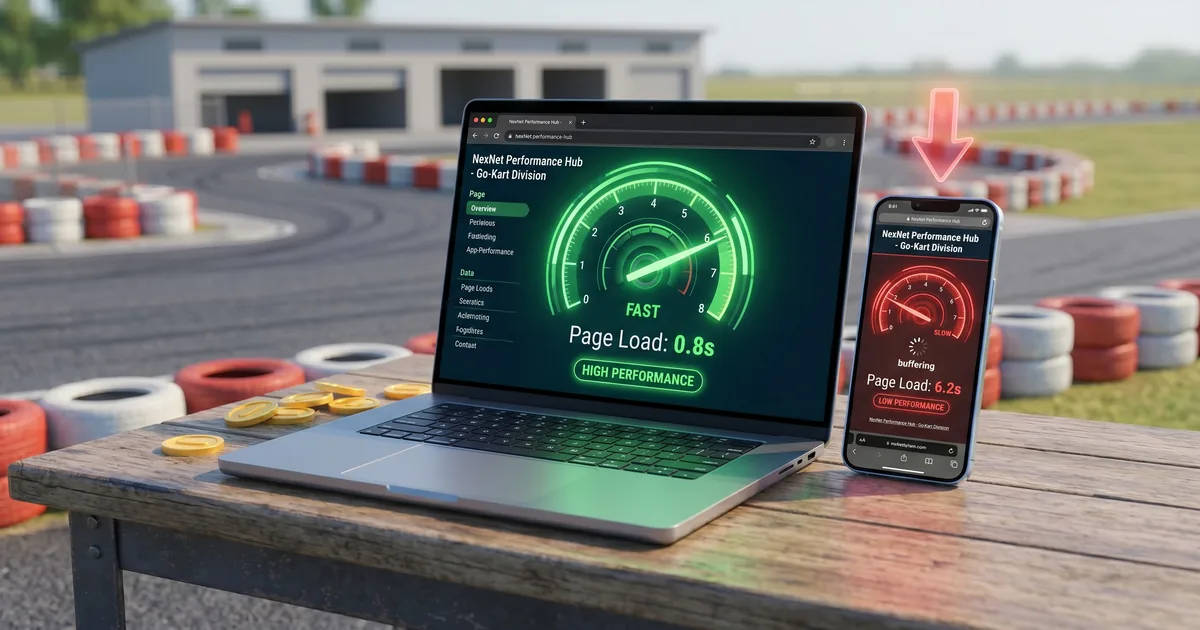
Why the discrepancy exists
When you test your website on your laptop at the office, you're using a fast WiFi connection and a powerful processor. Your browser downloads files quickly and renders them instantly. When a customer visits your site on their phone on 4G in Subang or Kota Bharu, they have slower download speeds, less CPU power, and potentially variable signal. The same website can behave very differently in these two conditions.
The three main reasons mobile loads slower
1. Network speed — WiFi delivers 50–200Mbps in many Malaysian offices. A typical 4G connection delivers 10–30Mbps, and in areas with poor coverage, much less. A 3MB image that loads in 0.1 seconds on WiFi takes 1–2 seconds on mobile data.
2. Processing power — mobile phones have less CPU power than laptops. A complex website with heavy JavaScript — animations, sliders, chat widgets, tracking scripts — takes longer to process on a phone.
3. Images not sized for mobile — many websites serve the same large image to both desktop and mobile visitors. On desktop, a 1920px-wide image might be appropriate. On a 390px phone screen, you're downloading a file 5x larger than needed.
How to check the real mobile experience
Test your site two ways: open it on your actual phone connected to mobile data (turn off WiFi), and run it through Google PageSpeed Insights and check the Mobile score specifically. The Mobile score is almost always lower than the Desktop score — the gap tells you how much work is needed.
Four fixes that help the most
- Serve smaller images to mobile — use the HTML
srcsetattribute or a CDN that auto-sizes images per device - Defer non-critical scripts — JavaScript that's not needed for the initial page view should load after the visible content
- Enable lazy loading — images below the visible area load only when scrolled to, not all at once
- Use a CDN — a content delivery network serves your files from a server closer to your visitor, reducing download time
For most Malaysian business websites, fixing images alone accounts for the majority of the mobile speed gap.
Frequently asked questions
What network should I use to test my website speed?
Test on a mobile data connection (4G), not WiFi. This replicates the experience of most of your customers who visit on the go.
Can I fix mobile speed without rebuilding the website?
Yes. Image optimisation, removing unused scripts and enabling browser caching can significantly improve mobile performance without a full rebuild.